Showing posts with label The Unofficial Star Wars Poster. Show all posts

Friday, July 12, 2019

The Unofficial DARTH SAIDGGE Star Wars Poster

Hello and welcome back to THE SITH ARCHIVES OF DARTH FANDOM!


As I promised with my Darth Fandom poster, these posters are based off one of my other characters, Darth Saidgge. The first poster shows Saidgge as Fandom's Sith Master, and the other shows Saidgge as a teenager at the Kaiburr Palace. The model for Saidgge is my father, and like I wore a onesie as my robes, he wore a Berghaus fleece and standard pyjama pants. As for the lightsaber, it's just another generic toilet roll. I used the same process as I did in my last poster (Microsoft PowerPoint 2010 and Microsoft Paint), and the same Starry Background, which then ended up with these posters.


Like my last poster, I also created a phone wallpaper to go with the poster, this time of a different picture: a scene from my upcoming story, using the same basic effects as my posters. May the Force be with you!

Tuesday, July 2, 2019

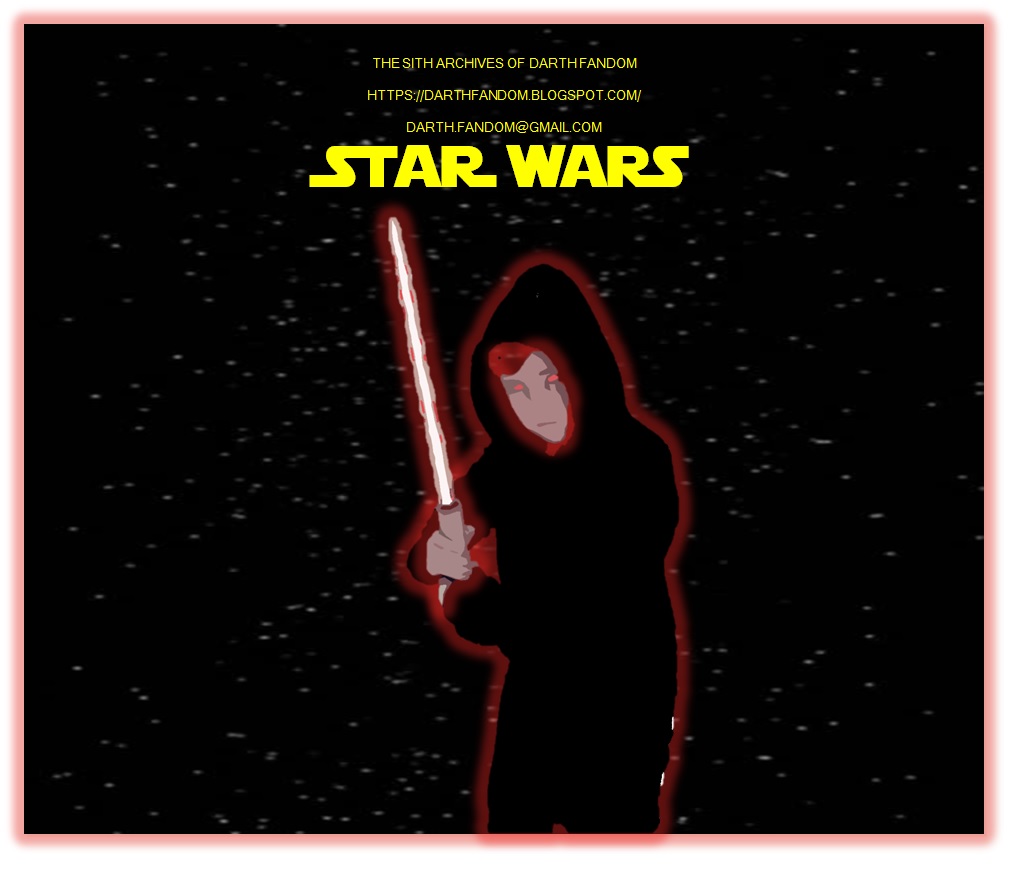
The Unofficial DARTH FANDOM Star Wars Poster

Hello and welcome back to THE SITH ARCHIVES OF DARTH FANDOM!
Cool, right? This UNOFFICIAL Star Wars Poster was created by me, Darth Fandom, yesterday. There's quite a strange backstory to it, too! The lightsaber hilt that I'm holding is actually just a cardboard toilet roll, and the Sith Robes are just a Superman onesie! Even the special effects are super easy to use.... My father took a photo of me holding my own cardboard lightsaber hilt, just for fun, and then we decided that we wanted too add a blade too the lightsaber. Nowadays, Earthlings would use something like a Photoshop app, but we simply used a couple of tools on the original Microsoft Paint! Then on Microsoft PowerPoint 2010 (of all things), I began a removing background process. I duplicated the slide, and on one slide I only kept the onesie, and on the other slide, I only kept the face, hands and lightsaber (notice that my hair did not come out in the picture). On the onesie, and changed the colour to full black, and on the other slide, I changed everything to "Cutout" on Artistic Effects. I then placed one image over the other, and I had a Darth Fandom PNG! Then I used the same Starry Background as the one from my Opening Crawl Step-by-Step (see my previous post) and added some text in using Boba Fonts' Star Jedi font (only for the heading. The rest is in Microsoft Sans Serif.) With one last touch I selected the images and added a red glow from "Picture Effects," and then copied and pasted the whole lot onto Paint, and created the JPEG (Which is what you see above). 


I also created  this Phone Wallpaper afterwards, and you might of also seen that my Profile Picture is a zoom-in of my poster. Be sure to stay tune for more images, this time for one of my other creations: Darth Saidgge! May the Force be With You....